Quick navigation
A good Tally customization service is a Tally Certified Partner whose developers write TDL in-house, can show past work in your industry, test on a copy of your data and support the work after delivery. Try a setting or a ready add-on first. Pay for custom TDL only for what is left.
Priyam Infosystems is a Tally 5-Star Certified Partner and offers customization services and SmartTally add-ons. We explain all the options, including the ones that cost you nothing.
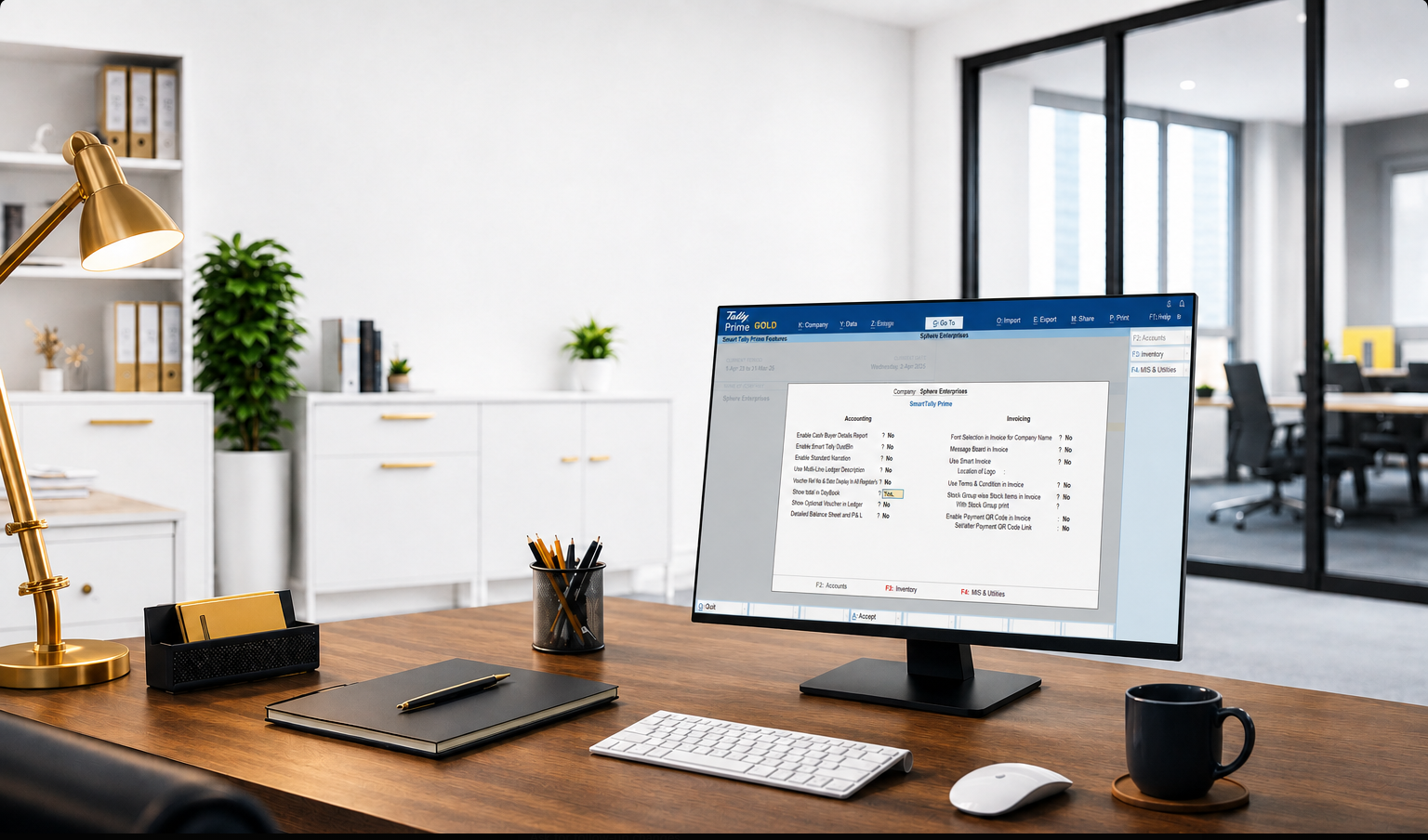
What Tally customization is
Tally is built with its own language, TDL (Tally Definition Language). Tally describes TDL as the development language of TallyPrime. It lets developers change fields, reports, screens and workflows, and connect Tally to other applications. TallyPrime Developer is the official tool developers use to write and test it.
You do not need to learn any of this yourself. Tally says you can engage an authorized Tally partner to build customizations for you.
Tally gives examples of what businesses ask for:
- Trading: personalized invoices, barcode billing, stock control and agent-wise sales tracking.
- Services: time-based billing, project-wise profitability and recurring invoices.
- Manufacturing: bills of material, serial numbers and job order workflows.
- Education: fee collection, student records and report cards.
What can be customized
| Area | Examples |
|---|---|
| Invoices and vouchers | Your logo, bank details, terms, QR code, extra columns, batch numbers |
| Reports and dashboards | Sales performance, profitability and KPIs shown exactly as you want |
| Input screens and fields | Extra fields, validations and automatic calculations |
| Security and control | Maker-checker approval, role-based access, date restrictions, audit trails |
| Workflow automation | Alerts, approval rules, email notifications |
| Integrations | Links with a CRM, website, ERP or banking system |
Compare settings, add-ons, custom TDL and integrations
| Level | What it is | Effort and cost | Maintenance | Choose it when |
|---|---|---|---|---|
| 1. Settings | Options already inside TallyPrime | None | None | A feature may already exist and nobody turned it on |
| 2. Ready add-on | A tested add-on such as a SmartTally feature or a listing on TallyShop | Low | Handled by the add-on provider | Your need is common, such as voucher lock or credit control |
| 3. Custom TDL | A new feature written for you | Higher, set by scope | Needs a support plan | Your process is unique to you |
| 4. Integration | Data flows between Tally and another system | Depends on sources | Needs monitoring | The data lives in another system |
Before you pay for custom work, ask your partner to confirm that standard TallyPrime cannot already do what you need. A good partner will tell you honestly when it can.
Ready add-ons: SmartTally
SmartTally is a suite of more than 36 add-ons for TallyPrime, grouped into Accounts, Inventory, and MIS and Utilities. A few examples:
- Accounts: recover deleted vouchers, payment QR code, terms and conditions and signature image on invoices.
- Inventory: GST-inclusive billing, automatic pickup of the last sales or purchase price for a party, and stock group-wise party discounts.
- MIS and utilities: voucher lock, voucher delete and cancel control, negative cash and stock control, credit control by days, automatic backup and auto emailing.
A Lite version exists for smaller needs. See SmartTally for demos.
How to choose a Tally customization provider
| What to check | What good looks like |
|---|---|
| Certification | Tally Certified Partner. Tally says 5-Star partners can build customized solutions. |
| In-house developers | TDL written by their own team, not outsourced to unknown freelancers |
| Past work | Examples in your industry, and a customer you can call |
| Written scope | Screens, fields, rules and reports listed before work starts |
| Testing | Built and tested on a copy of your data before it touches live books |
| Upgrade safety | They check compatibility with each new TallyPrime release |
| Ownership | You know who owns the code and what happens if you change vendor |
| Support | A defined response time and fee for fixes after delivery |
What a good scope document contains
- The problem in one paragraph, with a real example entry.
- Screens or reports that will change, with a rough sketch.
- Rules and validations in plain words.
- Users and their access levels.
- Test cases you will check at acceptance.
- Time estimate, fee and support terms.
How a customization project runs
- Requirement call. You explain the problem, ideally with a screen recording of the current process.
- Scope and quote. The partner writes the scope above and prices it.
- Build. Developers write the TDL on a copy of your company data.
- Test and review. You try real cases and sign off.
- Deploy and train. The partner installs it and trains your team.
What affects the cost
We do not quote prices here, because they depend on scope. The main drivers are the number of screens and reports, how complex the rules are, whether another system is connected, how much testing is needed, and the support plan. Ask for a fixed quote with a defined scope, and for a separate line for support.
Upgrading from an older Tally version
Customizations written for Tally.ERP 9 or older releases need checking before you move to TallyPrime. Priyam offers upgradation from Tally 6.3, Tally 7.2 and Tally.ERP 9 to TallyPrime, with a TDL compatibility check, data migration help and post-upgrade training, and a free compatibility assessment.
Customization at Priyam Infosystems
Priyam Infosystems is a Tally 5-Star Certified Partner. Typical work includes branded invoices, voucher approval workflows, role-based security, custom MIS reports and CRM or website sync. Read more on our customization and upgradation page or explore ready add-ons at SmartTally.
Tell us what you want Tally to do
Describe the process in a few lines and attach one sample entry. We will tell you whether a setting, an add-on or custom TDL is the right fix. Contact our team to discuss your requirements.
Frequently Asked Questions
Do I need to know coding to customize Tally?
No. A Tally partner writes the TDL. You explain the process and test the result.
Will my customization be lost when I upgrade Tally?
Tally says TDL customizations stay stable across upgrades, but you should always test after a major release. Ask your partner to include an upgrade check in your support plan.
Who owns the TDL code?
This depends on the agreement. Ask in writing before work starts. If ownership matters to you, make it part of the scope document.
Can I buy a ready add-on instead of custom work?
Often yes. If your need is common, a ready add-on is faster and cheaper to maintain.
How long does a customization take?
A small change such as an extra field is usually quick. A workflow with approvals and reports takes longer. Ask for a time estimate in the written scope.
Discuss your Tally customization needs
Contact us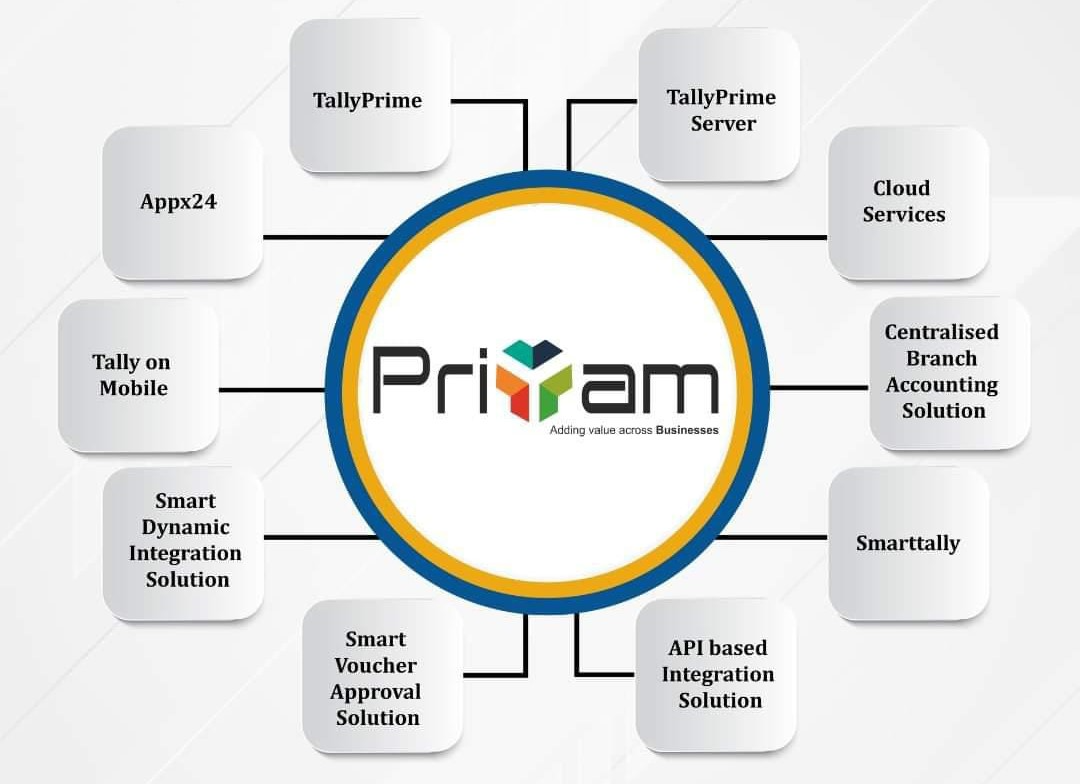
By Priyam Infosystems
Practical ERP, Tally, and business automation insights for growing teams.